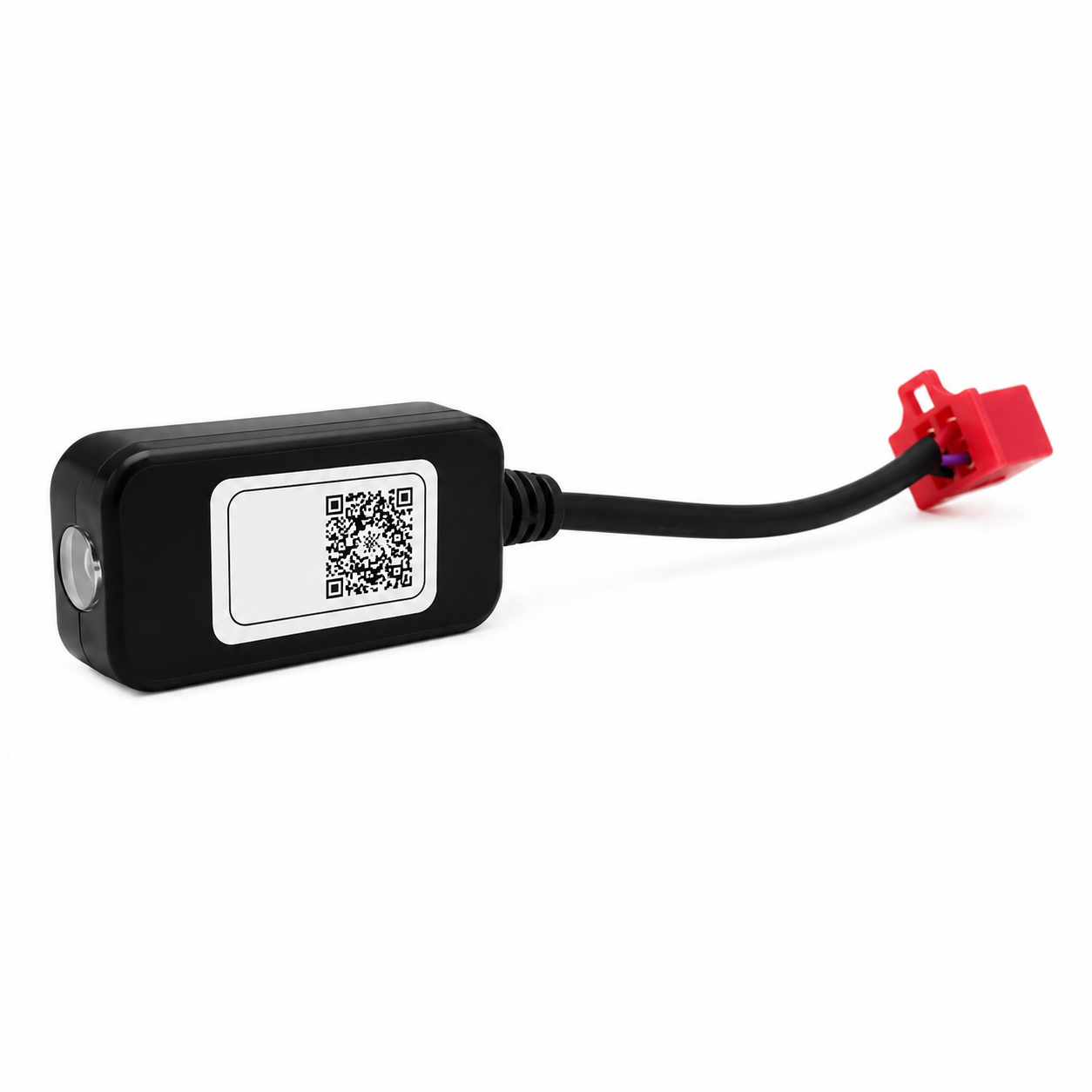
Fardriver Bluetooth Dongle
Fardriver Bluetooth Dongle
Couldn't load pickup availability
Share
Unlock advanced wireless tuning for your Tuttio Soleil 01 & Yozma with the Fardriver Bluetooth Dongle. This plug-and-play accessory allows you to connect your Fardriver controller directly to the Fardriver mobile app, giving you convenient access to controller settings from your smartphone or tablet.
Fine-tune your riding experience by adjusting throttle response, regenerative braking, speed modes, power delivery, and more—all without connecting a computer.
Features:
- Wireless connection to the Fardriver mobile app
- Quick plug-and-play installation
- Adjust throttle sensitivity and acceleration response
- Configure regenerative braking settings
- Modify speed modes and performance limits
- Monitor and adjust controller parameters directly from your device
- Compatible with Fardriver controllers used on the Tuttio Soleil 01
Installation & Setup
1. Install the Fardriver App
- iOS: Search for Fardriver in the Apple App Store and install the app.
- Android: Search for Nanjing Fardriver in the Google Play Store and install the app.
2. Connect the Bluetooth Dongle
- Locate the white connector on your Tuttio Soleil 01 controller harness.
- Carefully plug in the Bluetooth dongle, ensuring the pins are aligned correctly.
- Push firmly until secure. Do not force the connection.
3. Enable Bluetooth
- Turn on Bluetooth on your smartphone or tablet.
- Keep your device nearby during pairing.
4. Power On the Bike
- Turn on your Tuttio Soleil 01.
- The dongle will receive power once the controller is active.
5. Connect Through the App
- Open the Fardriver app.
- Select Search Device or Connect Device.
- Choose your controller from the available devices list.
- Tap Connect and wait for confirmation.
Controller Adjustments Available
- Throttle response and acceleration tuning
- Regenerative braking strength
- Speed modes and speed limits
- Battery protection settings
- Motor current and controller parameters
Motor Auto-Learn Calibration
After connecting, you can perform an Auto-Learn procedure to calibrate the motor:
- Elevate the rear wheel so it can spin freely.
- Select Auto Learn within the app.
- Allow the motor to rotate forward and backward automatically.
- Wait for the completion message before riding.
Save Settings
- Save or write your settings through the app.
- Power the bike off and back on.
- Test all functions in a safe riding area before normal use.
Important Notice
⚠️ This dongle is only compatible with Fardriver controllers. Incorrect controller settings may affect performance, reliability, or component lifespan. Only modify parameters if you understand their function.
Shipping Information
- In-stock items are typically processed and shipped within 1–3 business days.
- Preorder items may require additional processing time before shipment. Estimated delivery times will vary based on availability.